TipLink / How it works
How TipLink works, from the table to the back office
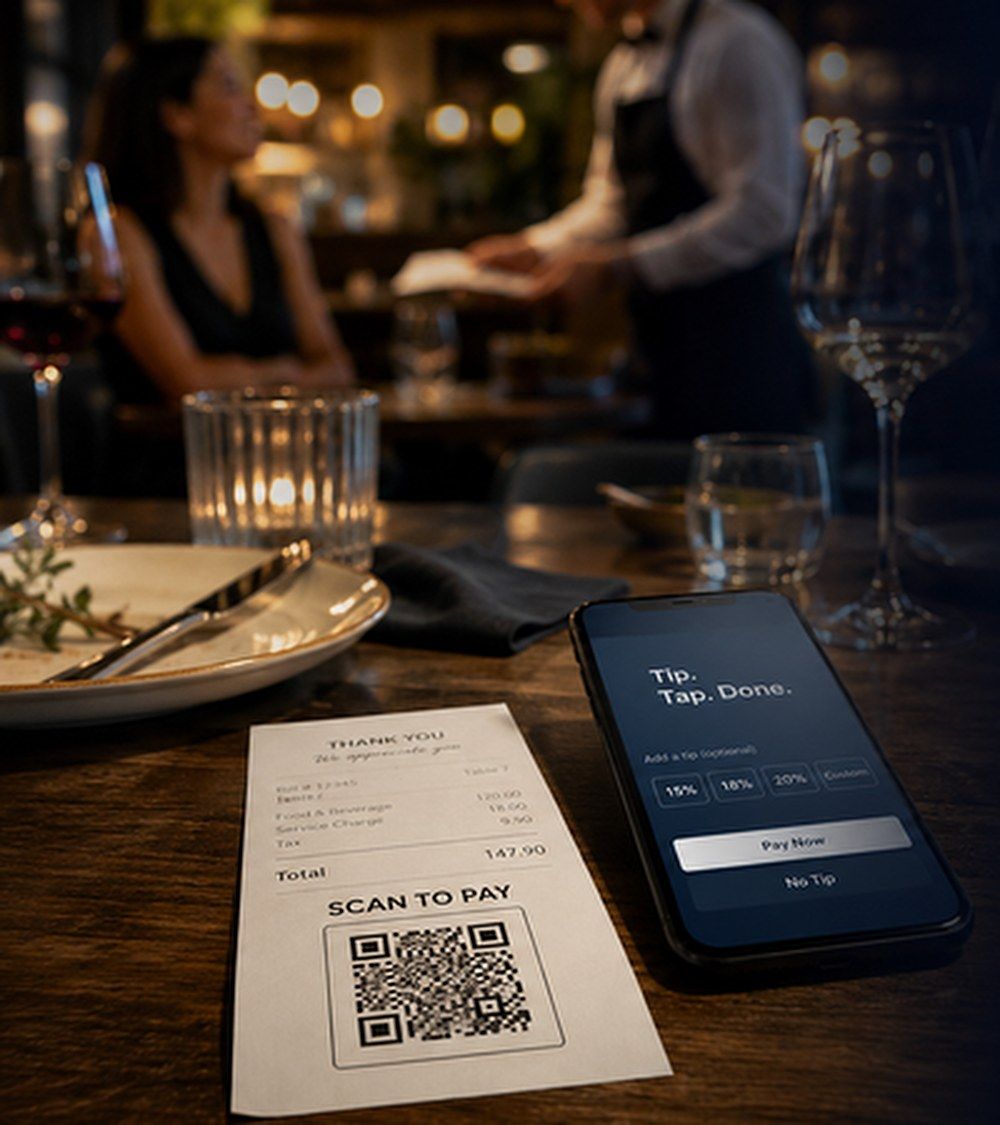
A guest scans the QR code on the bill, chooses a tip and pays from their own phone. Your team is alerted straight away, and every payment and tip is recorded.
The guest journey in four steps
Everything happens on the guest's own phone, at the table, with no app to download.

Scan the bill
The bill carries a TipLink QR code, or the guest taps a contactless bill presenter. Their phone opens a secure payment page in the browser, so there is nothing to install.
Choose a tip
The guest sees the total and picks a gratuity, enters their own amount or leaves none. They do it privately, in their own time, without anyone waiting beside the table.


Pay securely
They pay with Apple Pay, Google Pay or a card. Their card stays in their own hands from start to finish, and the payment runs on the SOTpay platform, which supports PCI DSS and Visa VAMP compliance.
Confirmation, straight away
The guest sees a payment successful screen with the bill and tip broken down. Nothing is left hanging at the table, and they are free to leave when they choose.

What happens behind the scenes
The venue side of TipLink is as simple as the guest side.
An alert when a guest has paid
Staff know the moment a table is settled, so they can clear it, thank the guest and reset for the next booking.
Tips recorded as they are taken
TipLink is designed to support current tipping and tronc requirements, and a back office gives visibility over every gratuity collected.
Reporting and an audit trail
Every payment and tip is recorded, with full reporting for managers and head office.
Watch TipLink in action
Questions about how it works
How does a guest pay with TipLink?
The guest scans the QR code on the bill with their phone, sees the total, chooses a tip if they wish and pays with Apple Pay, Google Pay or a card on a secure payment page.
How long does a TipLink payment take?
The guest scans, chooses a tip and pays on their own phone, so the payment is complete as soon as they are ready, without waiting for a terminal.
Can guests split the bill with TipLink?
Tell us how your venue handles split bills and we will show you how TipLink fits your service. Split payment options are covered in a demo.
What does the venue see after a payment?
Staff see an alert when a guest has paid, and the back office records the bill and the tip, with reporting and an audit trail for every payment.
See TipLink at your tables
More on pay at table and tipping
TipLink vs card terminals
A side-by-side look at pay at table on the guest's phone and a handheld terminal.
Read the comparisonWhat Is Pay at Table?
The idea behind letting guests pay and tip from their own phone.
Read the guideQR Code Payments: Are They Safe?
What guests and venues should know about paying by QR code at the table.
Read the guide